


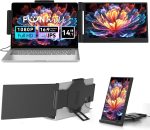
Price: $149.99 - $23.99
(as of Nov 23, 2025 01:53:20 UTC – Details)
Product description


1 Manual Rotate 2 Rreverse Charge Mode 3 Various Data Cables 4 Interface & Button
Is this portable monitor compatible with the MacBook Air series?
Due to the exceptionally slim screen profile of MacBook Air series, the portable monitor may not achieve a perfectly secure clip-on fit. This could result in slight wobbling during use. Please be aware of this before purchase.
How can I determine if my laptop’s USB-C port is a Full-function port?
*Standard USB-C port can only be used for power supply.
*DP-function USB-C port can transmit video signals but cannot supply power.
*Full-function USB-C port can transmit video signals and supply power.
Please check with your laptop’s manufacturer.
Why item came with no brightness to the screen when connecting my laptop and the monitor via USB-C port?
When connecting your laptop and the monitor via USB-C port, if the monitor screen displays “No Signal” and then turn black, it means the laptop’s output power is insufficient. Please use a DC charger to power the monitor extender.
What if my computer doesn’t have a USB-C port?
If your computer does not have a USB-C port, please use the included HDMI-MINI HDMI cable to connect the computer and the monitor via HDMI port, and then use a DC charger to power the monitor.
Why item came with no brightness to the screen when connecting my laptop and the monitor via HDMI port?
When connecting your laptop and the monitor via HDMI port, for HDMI port can only transmit video signals, the extender monitor won’t be turn on. you have to power it with a DC charger.
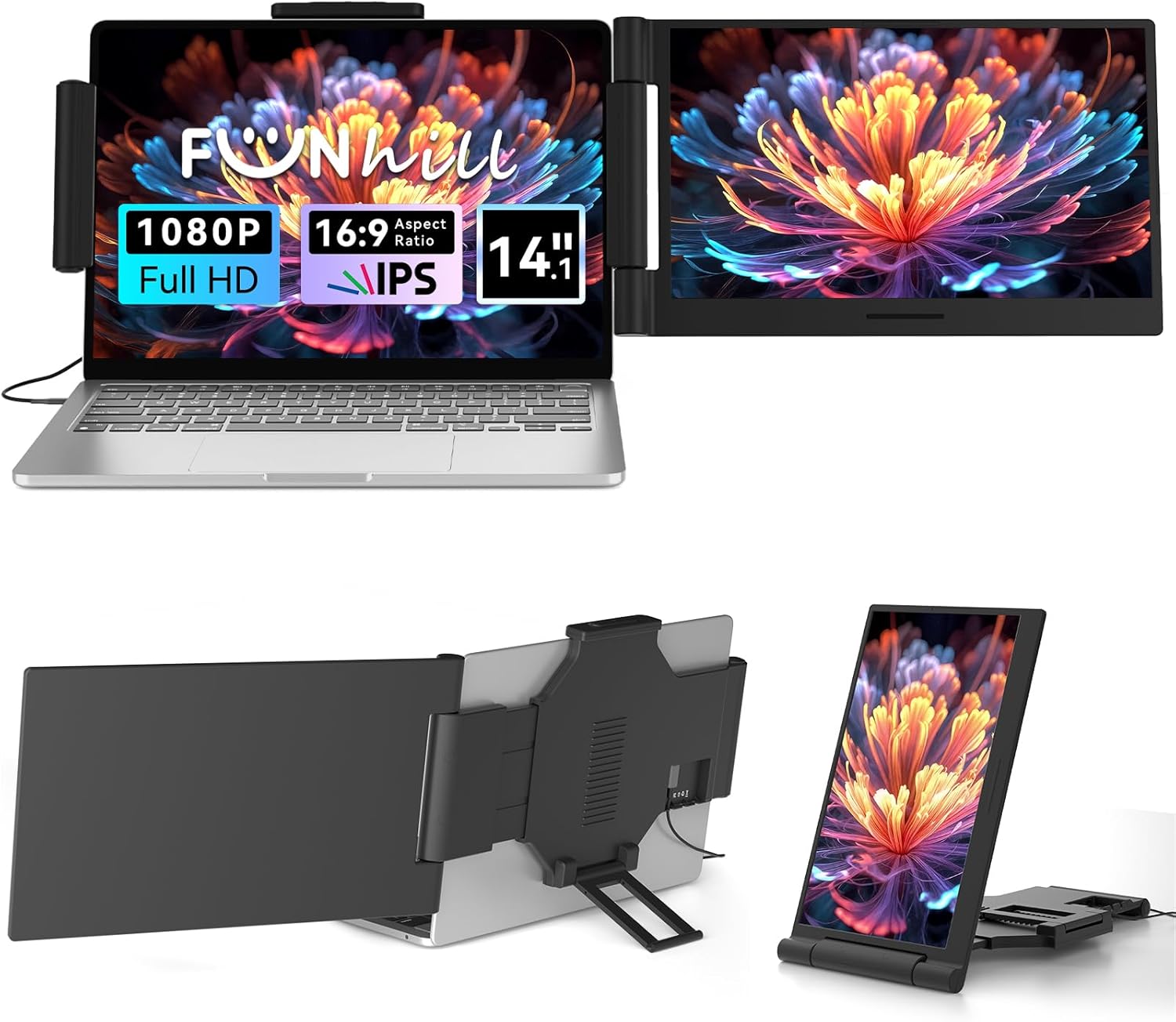
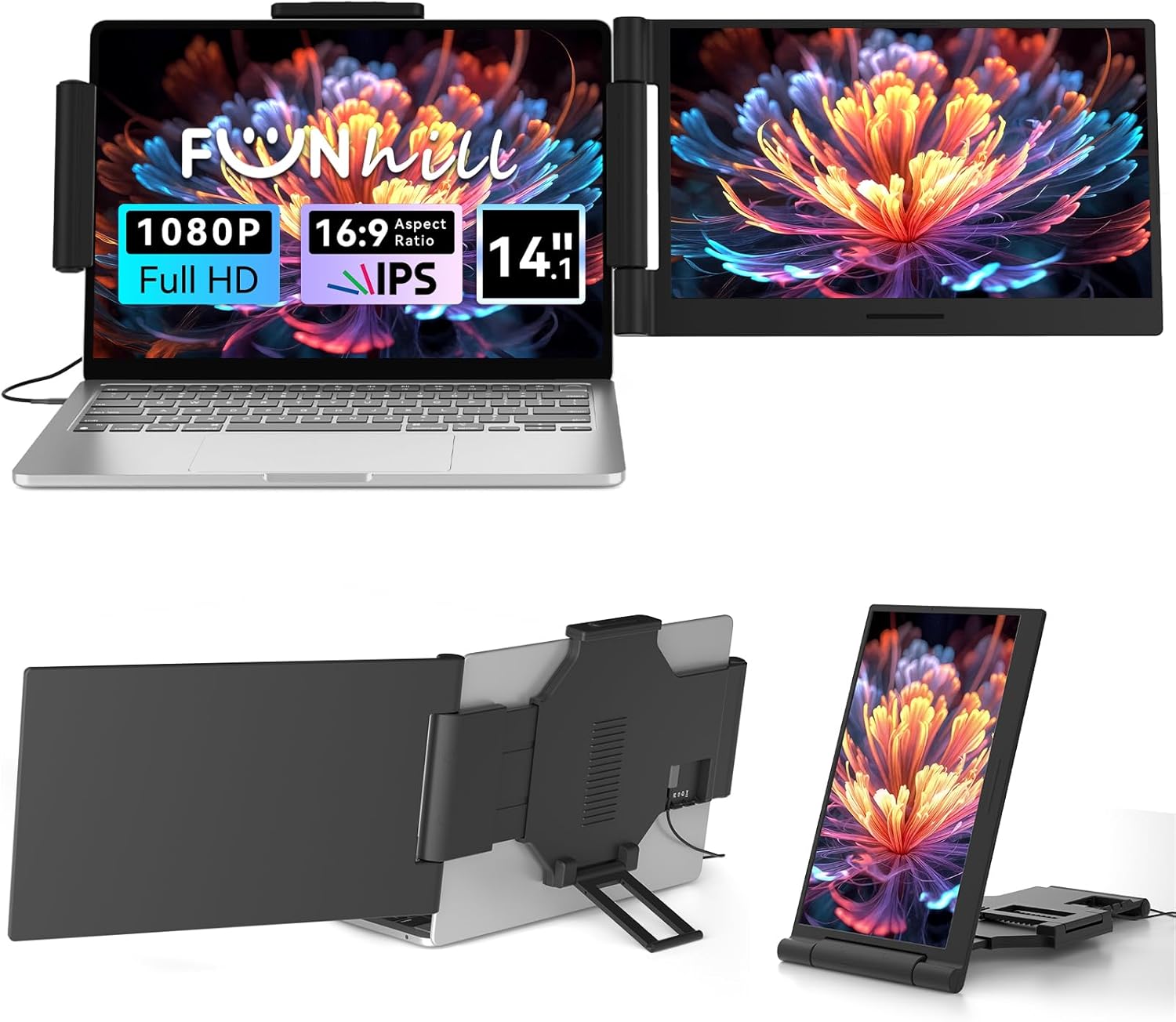
Boost 200% Efficiency- Funhill laptop screen extender can instantly expand your laptop to dual screens – view spreadsheets, design tools, and chats simultaneously. Say goodbye to the hassle of constantly switching back and forth on a single laptop screen continuously. Portable screen for laptop can switch between extended/duplicate/portrait modes to minimize tab-switching fatigue. Funhill dual monitor provides the perfect solution for laptop users for multi-screen synchronization and split-screen display
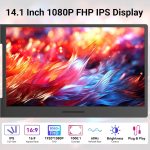
1080P IPS FHD Monitor Extender- Funhill laptop screen extender equips a 14″ FHD IPS screen paired with 1920×1080 resolution, 16:9 aspect ration, 60Hz refresh rate for superior image clarity. Enjoy a wide viewing angle and rich, vibrant colors. The laptop monitor extender can rotate 0-280°, allowing you to customize the viewing experience according to your preferences. Adjust brightness via screen extender portable side buttons
Plug & Play Without Driver- You just need to connect the portable monitor for laptop via USB-C/A DP, HDMI directly without any additional driver download. Funhill laptop screen extender includes all the necessary cables (1* Dual USB-C cable, 1* USB-A to USB-C cable, 1* HDMI to Mini-HDMI cable, 1*DC Charger). Note: when use the HDMI cable, please connect one extra USB-A/C cable to the same screen extender to power supply
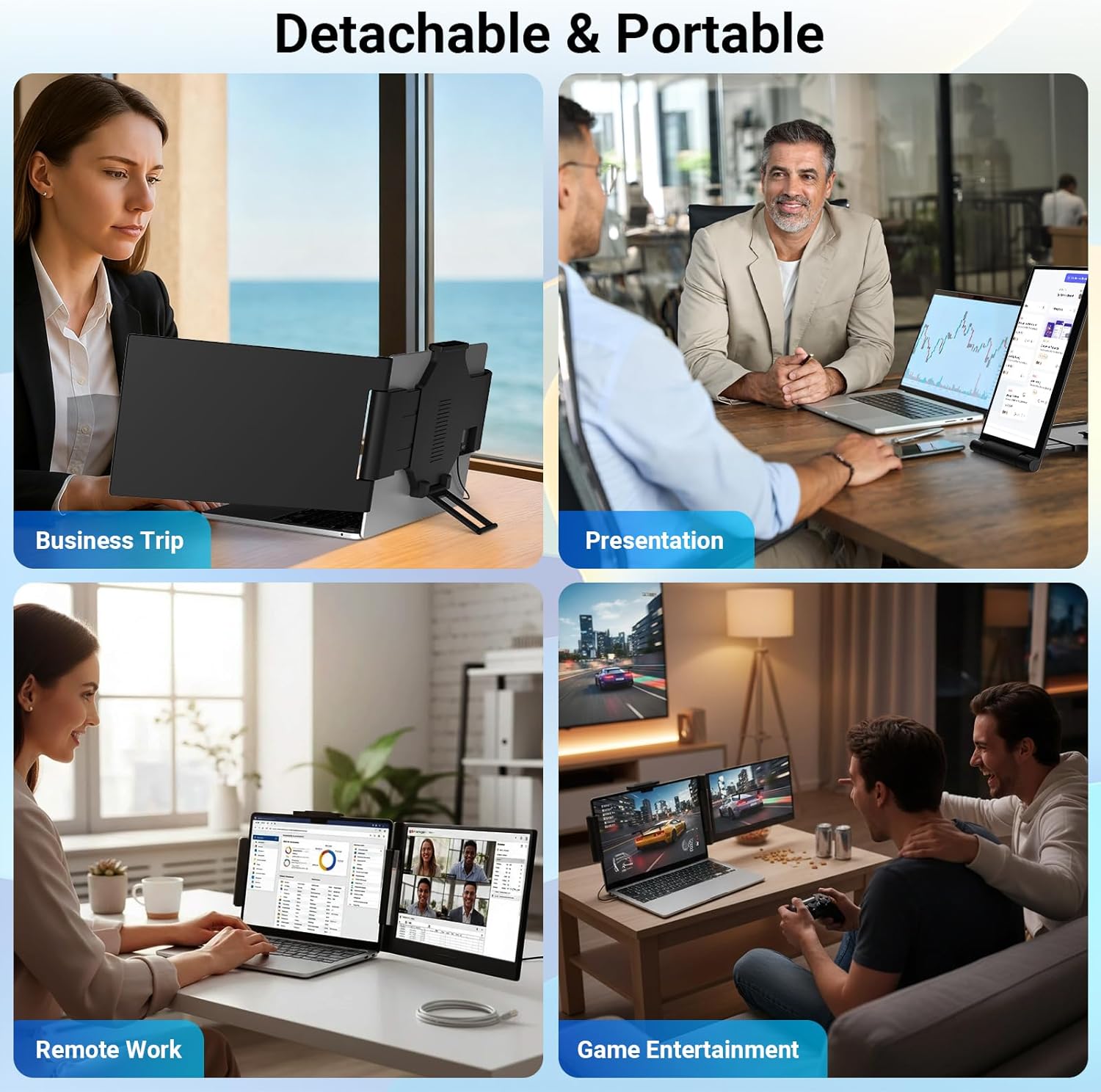
Widely Compatible & Portable- Portable monitors for 13-17.3″ laptop support a wide range of devices and operating systems, including Intel, Android, Windows, Mac, Chrome, Linux, Type-C/A phones, PS4, Switch, and so on. Funhill 14 inch laptop screen extender is created to folded compactly for easy storage in a computer bag(not included). Note: The phones need to support video output
Reliable Service Support- Rest assured with a 1-year support on our laptop screen extender. If you notice missing accessories or have inquiries about connectivity, feel free to contact us, and we are here to provide a prompt solution within 24 hours.
Laptop Port Requirements: Your laptop will need at least an HDMI port or a full-function USB-C port (which supports video output). Unsure if your USB-C port supports video output, please check with your laptop’s manufacturer, or feel free to ask our pre-sales team for assistance.
Connection & Power Notes: When connecting your laptop and the monitor via USB-C port, If the item came with no brightness to the screen, it means the laptop’s output power is insufficient. Please use a DC charger to power the monitor extender. When connecting via HDMI port, for HDMI port can only transmit video signals, you have to power it with a DC charger.
Customers say
Customers find the monitor easy to set up and connect to their laptops, with a clear and vivid display that works seamlessly with their devices. Moreover, the product is praised for its portability, being portable enough to take on the go and ideal for travel, while also helping with multitasking and significantly increasing productivity. Additionally, customers appreciate its solid build quality and find the screen size appropriate for a single monitor.
![[20Packs] KF-94 – Face Protective Mask for Adult (White) [Made in Korea] [20 Individually Packaged] KN FLAX Premium KF-94 Certified Face Safety White Dust Mask for Adult [English Packing]](https://m.media-amazon.com/images/I/71n8BM3OU6L._AC_SL1500_.jpg "[20Packs] KF-94 – Face Protective Mask for Adult (White) [Made in Korea] [20 Individually Packaged] KN FLAX Premium KF-94 Certified Face Safety White Dust Mask for Adult [English Packing]")
![[Pack of 100] Single Use Disposable Face Mask, Effective Filtration, Bulk Pack 3-Ply Masks Facial Cover with Elastic Earloops For Home, Office, School, and Outdoors](https://m.media-amazon.com/images/I/71py2wdSEtL._SL1489_.jpg "[Pack of 100] Single Use Disposable Face Mask, Effective Filtration, Bulk Pack 3-Ply Masks Facial Cover with Elastic Earloops For Home, Office, School, and Outdoors")


Reviews
Clear filtersThere are no reviews yet.